
Overview
The truffile CLI lets you discover, connect to, and deploy apps to your Truffle devices.Connecting to Your Truffle
Step 1: Scan for Devices
Find Truffle devices on your local network:Step 2: Enter Your User ID
After selecting a device, you’ll be prompted for your User ID:You can find your User ID in the Settings → About section of your Truffle desktop client.
Step 3: Approve the Connection
After entering your User ID, you’ll see: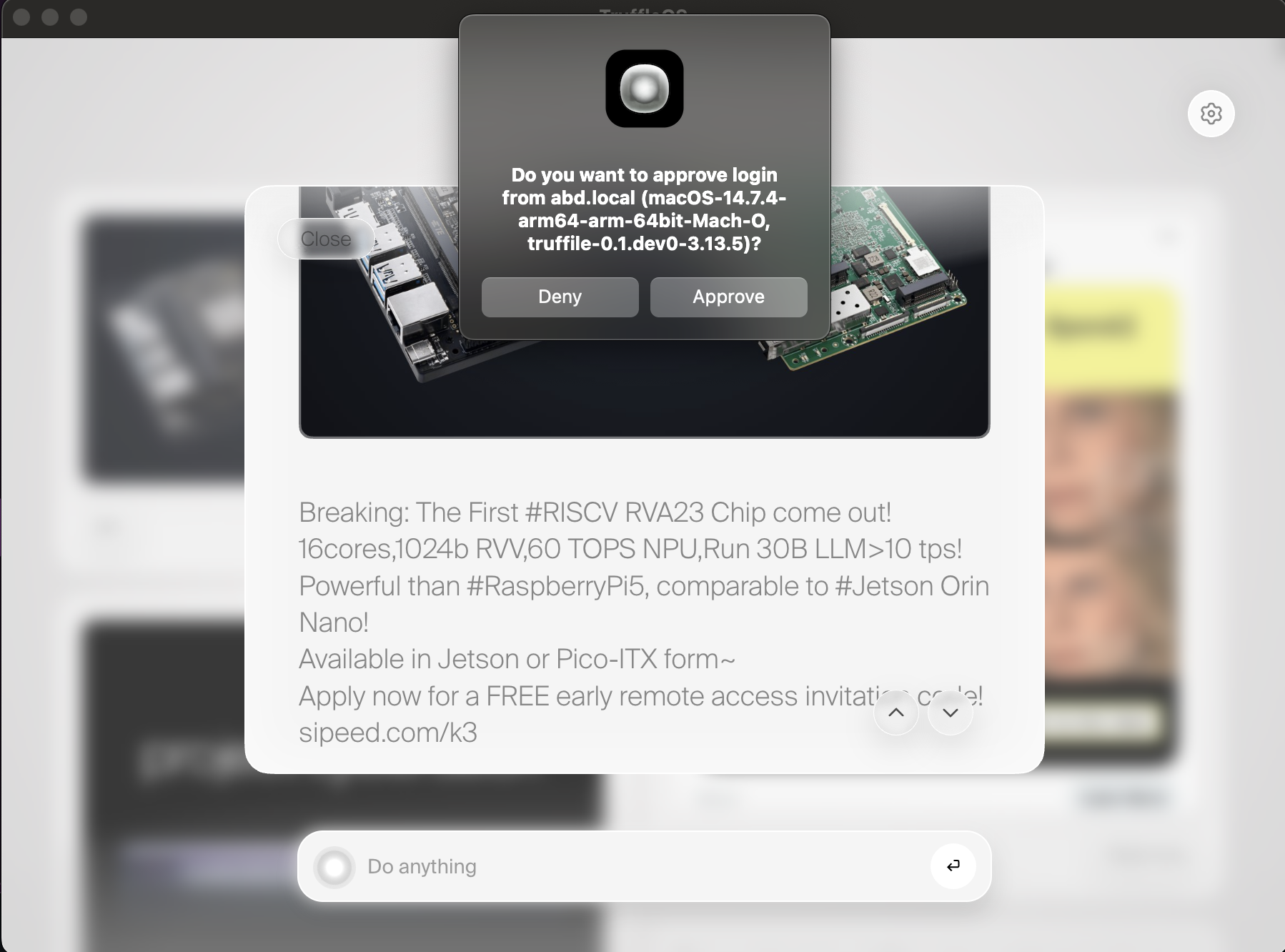
Reconnecting Later
Once you’ve connected to a device, you can reconnect directly without scanning:Disconnecting
To disconnect from all devices and clear your saved credentials:Deploying Apps
Once connected, you can deploy apps to your Truffle.If you haven’t built an app yet, check out the Building Apps guide first.
Basic Deploy
Deploy an app from the current directory:- Validate your
truffile.yamlconfiguration - Check syntax for all Python files
- Determine if it’s an Ambient (background) or Focus (foreground) app
- Upload files and run installation steps
- Register the app with your Truffle
Interactive Mode
Deploy with an interactive terminal session for debugging:- Test your app manually
- Install additional dependencies
- Debug issues in real-time
exit or press Ctrl+D to finish the deploy.
Listing Apps & Devices
List Installed Apps
See all apps installed on your connected Truffle:List Connected Devices
See all devices you have saved credentials for:Command Reference
| Command | Description |
|---|---|
truffile | Show help menu |
truffile -h | Show help menu |
truffile scan | Scan network for Truffle devices |
truffile connect <device> | Connect to a specific device |
truffile disconnect <device> | Disconnect from a specific device |
truffile disconnect all | Disconnect from all devices |
truffile deploy | Deploy app from current directory |
truffile deploy <path> | Deploy app from specified path |
truffile deploy -i | Deploy with interactive terminal |
truffile list apps | List installed apps |
truffile list devices | List connected devices |
truffile models | List AI models on device |
truffile proxy | Start OpenAI-compatible proxy |
Next Steps
- Ready to build your own apps? Check out the Building Apps guide.
- Want to use your Truffle for AI inference? See the Inference guide.